10 Best SEO Chrome Extensions for On-Page Checks
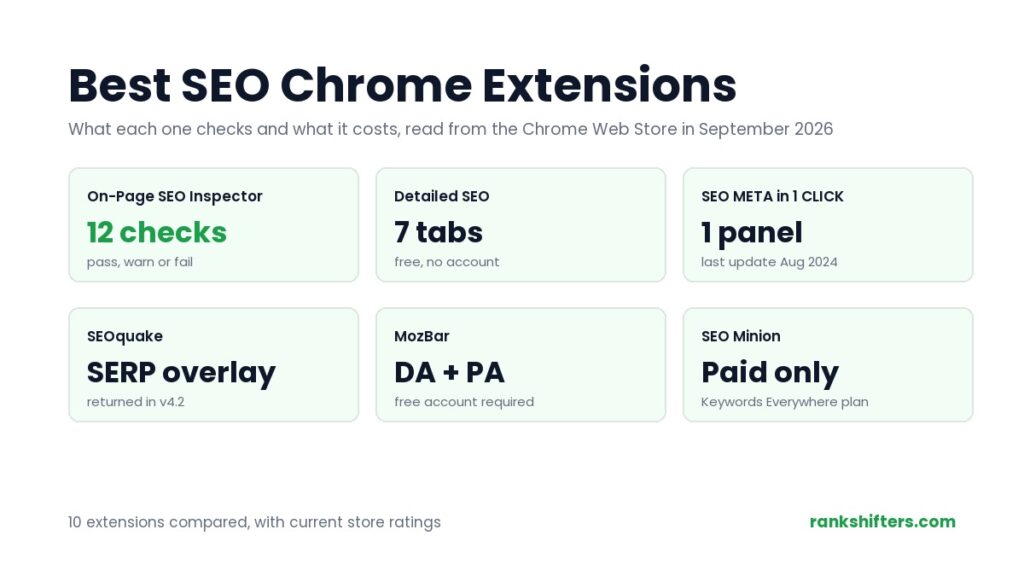
Ten SEO Chrome extensions compared on what they check, what they cost and their current store ratings, read from the Chrome Web Store in September 2026.
-
Ayush Shah
- Updated October 11, 2026
- 11 min read
What this guide covers
An SEO Chrome extension answers the questions you would otherwise open three tools to settle: what is this page’s title tag, does it have a canonical, is it indexable, how many of its images are missing alt text, and what structured data is on it. This guide covers ten of them, what each one is genuinely good at, and the store figures for every one, read from the Chrome Web Store on 20 September 2026.
An SEO Chrome extension is a browser add-on that reads the HTML of the page you are already looking at and reports the on-page elements search engines use. It works on any page, including a competitor’s, because everything it reports is in the markup the browser already downloaded. That is the difference between an extension and a crawler: the extension is instant and single-page, the crawler is slow and site-wide.
What an SEO Chrome Extension Shows You
The extensions below differ in depth and presentation, but almost all of them report the same core set of elements:
- Title and meta description: the text itself plus a character count, since both get truncated in results. Our free SEO meta tag analyser checks the same two fields on any URL without an extension
- Indexability: the meta robots directive, the canonical, and whether robots.txt allows the URL. A page can be perfect and still be set to noindex
- Heading structure: every H1 to H6 in document order, which exposes a missing H1 or a jump from H2 straight to H4
- Links: internal, external and nofollow counts. Some extensions also request each URL to find the dead ones, which is what our broken link checker does across a whole page
- Images: how many carry alt text and how many do not, and in a few cases the file size of each one
- Structured data: the JSON-LD blocks on the page and the types they declare, which you can then build or repair with a schema markup generator
- Open Graph and Twitter tags: what a shared link will look like on social platforms, and which tags are absent
Where they diverge is what sits on top. Some add third-party metrics to search results, some add keyword volumes, and some stay strictly inside the page. The table compares all ten on cost, purpose and current store rating.
| # | Extension | Cost | Best for | Store rating |
|---|---|---|---|---|
| 1 | On-Page SEO Inspector | Free | A verdict on every check, plus exports | 5.0 (4) |
| 2 | Detailed SEO Extension | Free | Everyday on-page checks | 4.9 (234) |
| 3 | SEO META in 1 CLICK | Free | Fastest full meta dump | 4.9 (1.3K) |
| 4 | META SEO inspector | Free | Deep metadata validation | 4.4 (628) |
| 5 | SEOquake | Free | Metrics layered onto SERPs | 4.5 (2.6K) |
| 6 | Ahrefs SEO Toolbar | Free; metrics need an Ahrefs plan | On-page plus link data | 4.4 (547) |
| 7 | MozBar | Free; DA and PA need an account | Domain Authority at a glance | 3.3 (2.5K) |
| 8 | Keyword Surfer | Free | Search volumes inside Google | 4.2 (1K) |
| 9 | Ubersuggest | Free tier, then a paid plan | Keyword ideas while browsing | 4.5 (1.1K) |
| 10 | SEO Minion | Keywords Everywhere Silver plan or higher | SERP preview and hreflang checks | 4.0 (797) |
10 SEO Chrome Extensions Worth Installing
Ratings, install counts and update dates are current as of 20 September 2026. Install counts are rounded by Google itself, so they appear as round numbers.
1. On-Page SEO Inspector, best free option
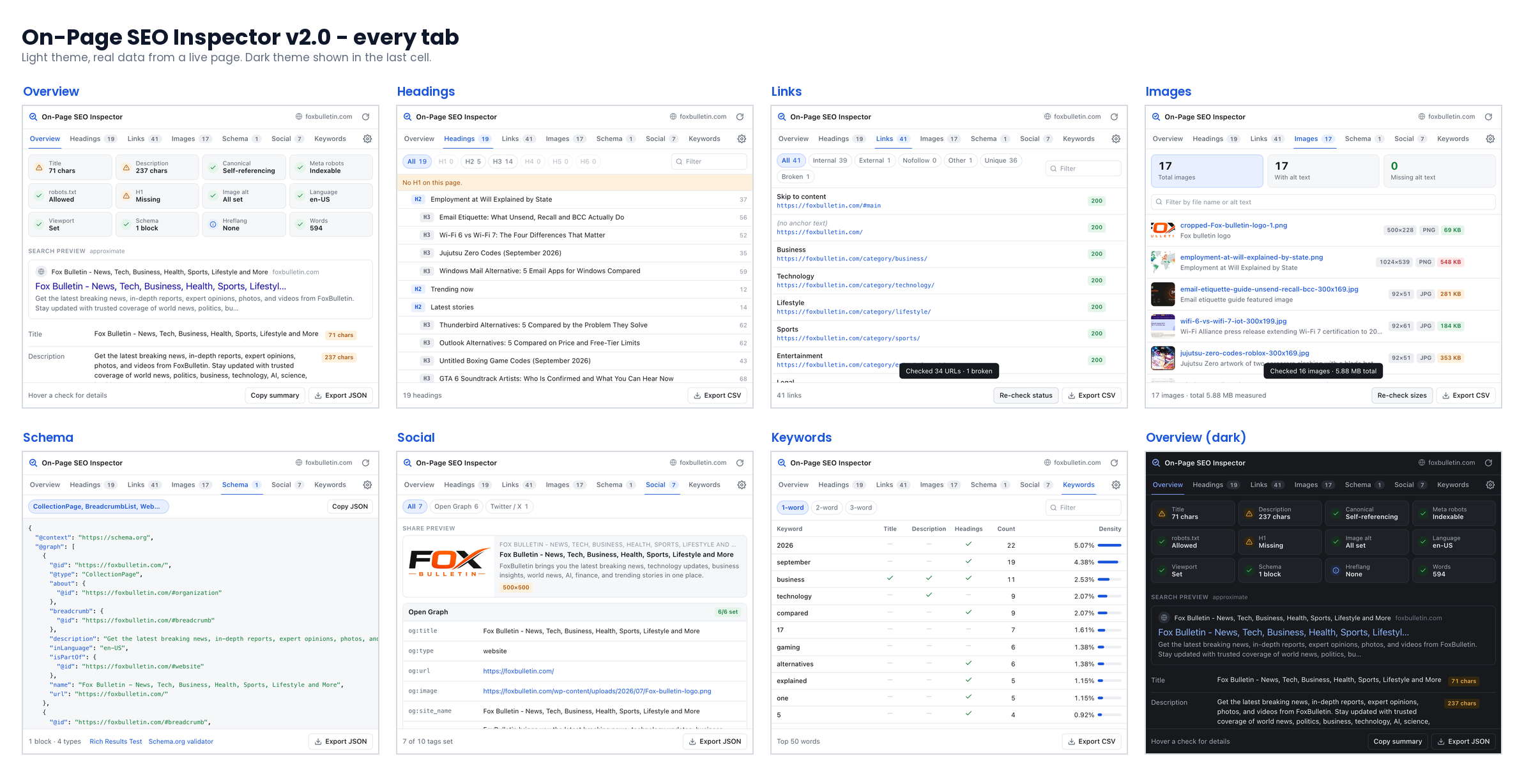
- Twelve checks marked pass, warning or fail, covering title and description length, canonical, meta robots, the robots.txt rule for that URL, H1, image alt, language, viewport, schema, hreflang and word count
- Runs a HEAD request per unique link to find broken ones, and reads the file size and format of every image
- Exports CSV from the headings, links, images and keywords tabs, or the whole report as JSON
This is ours, so weigh the recommendation accordingly. It sits first because it answers the question the others leave open: every one of the twelve checks returns a verdict, not a value, so you do not need to remember that 71 characters is fine and human-readable robots directives are not. On-Page SEO Inspector is free on the Chrome Web Store with no account and no paid tier. Version 2.0 added a search snippet preview, page timing read from the browser performance API, and a dark mode that follows the system theme. It is also the newest tool here, which is the honest caveat: it has none of the install history the others have earned.
2. Detailed SEO Extension, best for daily use
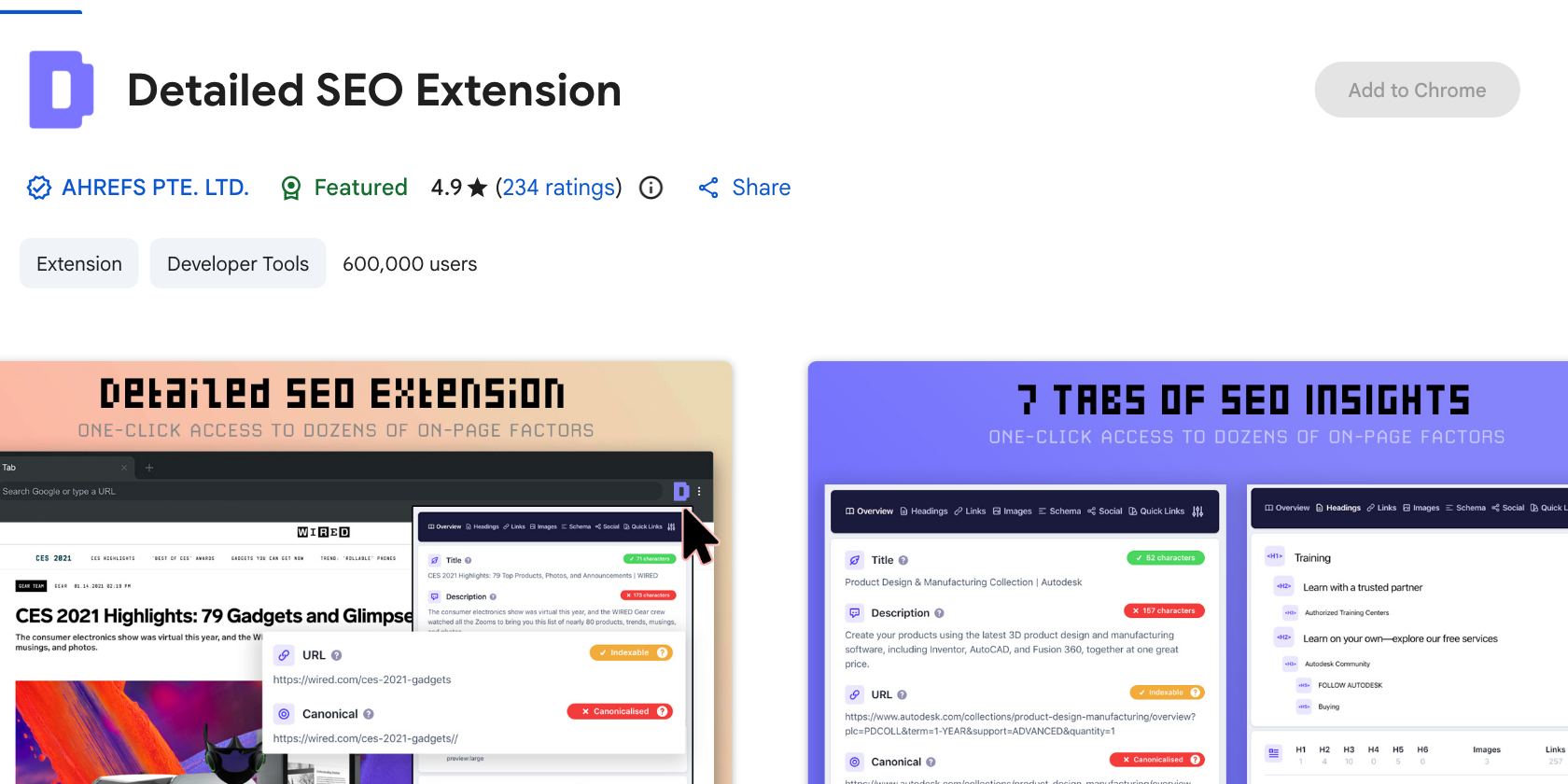
- Published by Ahrefs Pte Ltd, 600,000 users, rated 4.9 from 234 ratings
- Seven tabs: Overview, Headings, Links, Images, Schema, Social and Quick Links
- Version 2.2.7, last updated 2 June 2026
Detailed is the extension most SEOs reach for by reflex, and the reason is restraint. The Overview tab puts the title, description, URL, canonical and indexable status in one column with character counts colour-coded against the lengths Google usually displays, so a truncated title is obvious before you read the number. Its listing also states that the developer does not collect or use your data, which is not true of every tool here. It is the most widely trusted option here, and the one to pair with anything else you install.
3. SEO META in 1 CLICK, best for speed
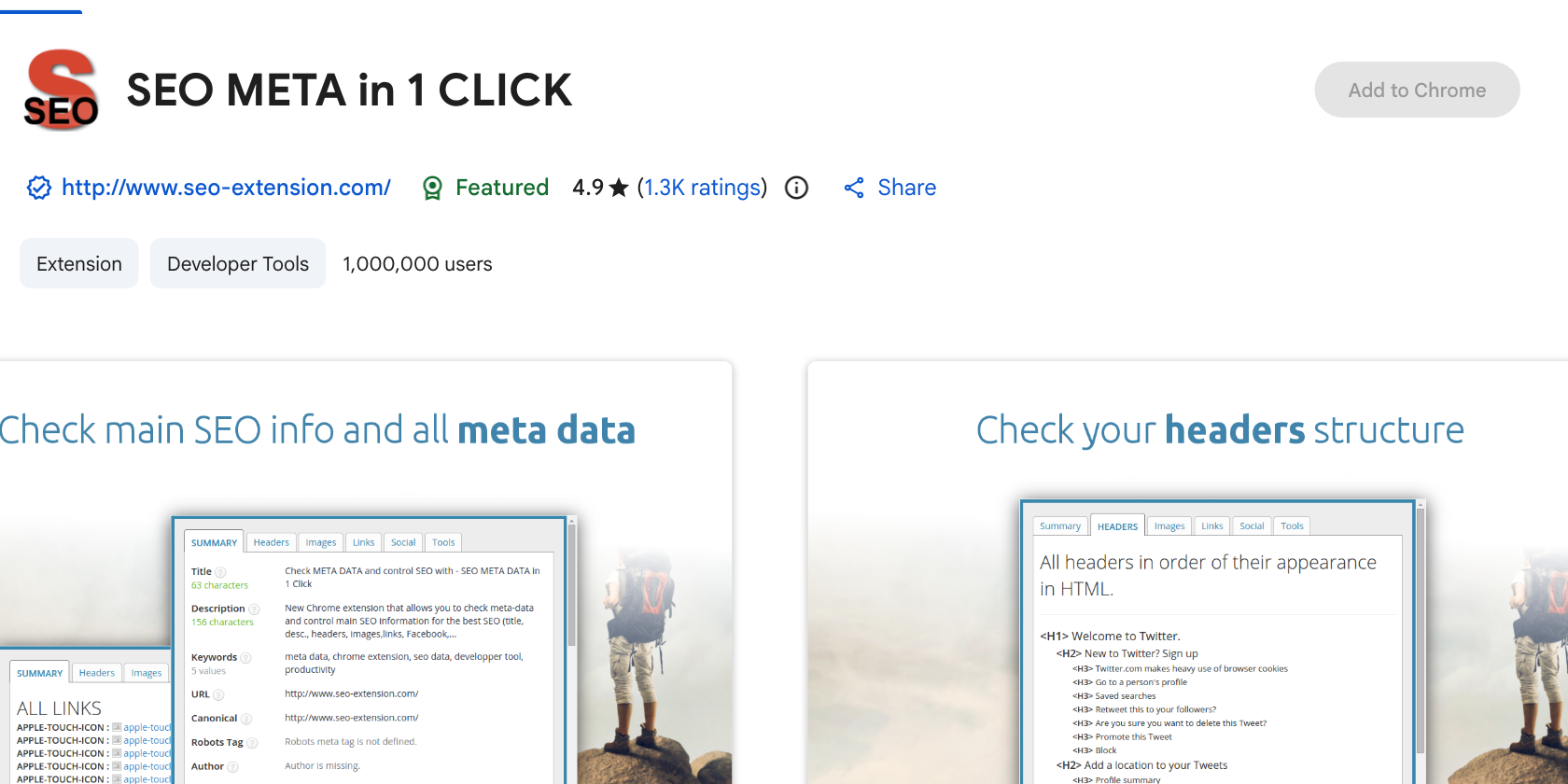
- 1,000,000 users, rated 4.9 from 1.3K ratings, the widest install base in this list
- Reports headings H1 to H6 in order of appearance, image alt counts, link counts, Open Graph and Twitter data, robots.txt and sitemap.xml
- Version 2.67, last updated 31 August 2024
This one lays the entire page out in a single scrollable panel with no tabs and no clicks. For a quick look at what a page declares, nothing is faster. The caveat is the update date: the last release was August 2024, which is a long gap in a browser that ships a new version every few weeks. It still works, and a million people still run it, but it is no longer the extension to rely on for anything Chrome changed recently.
4. META SEO inspector, best for validation
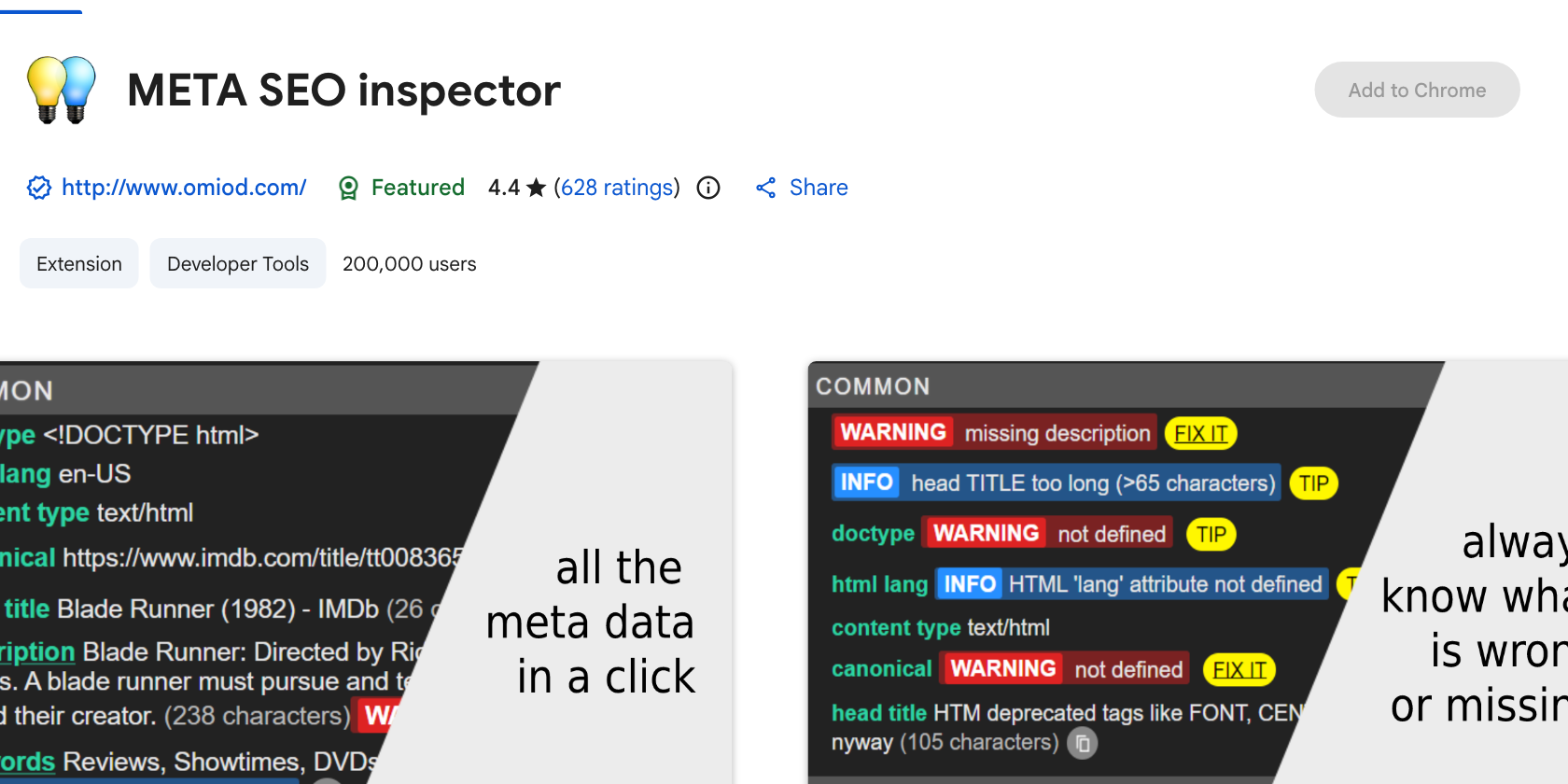
- 200,000 users, rated 4.4 from 628 ratings
- Flags metadata that breaks Google’s guidelines rather than only listing it
- Version 3.10.8, last updated 17 September 2026
META SEO inspector is the oldest tool here and the most pedantic, which is a compliment. It reports hierarchical headings, image alt data and internal link counts, but its real value is telling you when something is wrong rather than leaving you to compare against a mental checklist. It is the right pick if you audit other people’s pages and need to point at a specific defect.
5. SEOquake, best for SERP data
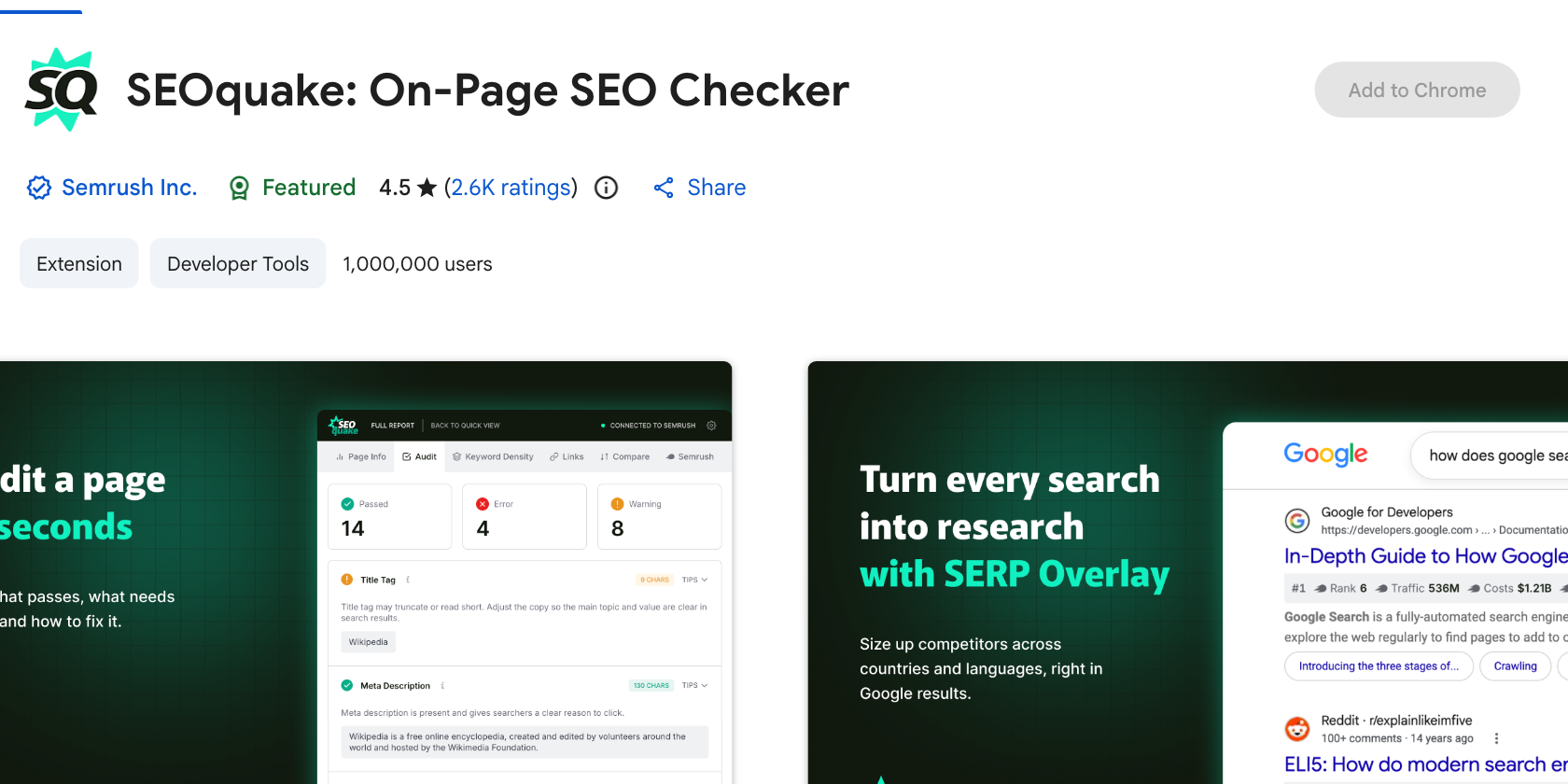
- Published by Semrush, 1,000,000 users, rated 4.5 from 2.6K ratings
- Quick View and Full Report, a page-level audit, SEObar and a keyword density report covering one to four word phrases
- Version 4.2.0, last updated 18 September 2026
SEOquake has been running since 2006 and version 4.2 reorganised it around two views: Quick View for a compact snapshot of the page you are on, and Full Report for the deeper pass. The page-level audit checks robots directives, hreflang, XML sitemap availability, image alt text and structured data, and the link analysis reports anchor text, follow status and HTTP status codes so broken links surface without a second tool. Version 4.2 also brought back the SERP Overlay, which prints position numbers and Semrush metrics under each organic result in the country and language you choose.
6. Ahrefs SEO Toolbar, best for link data
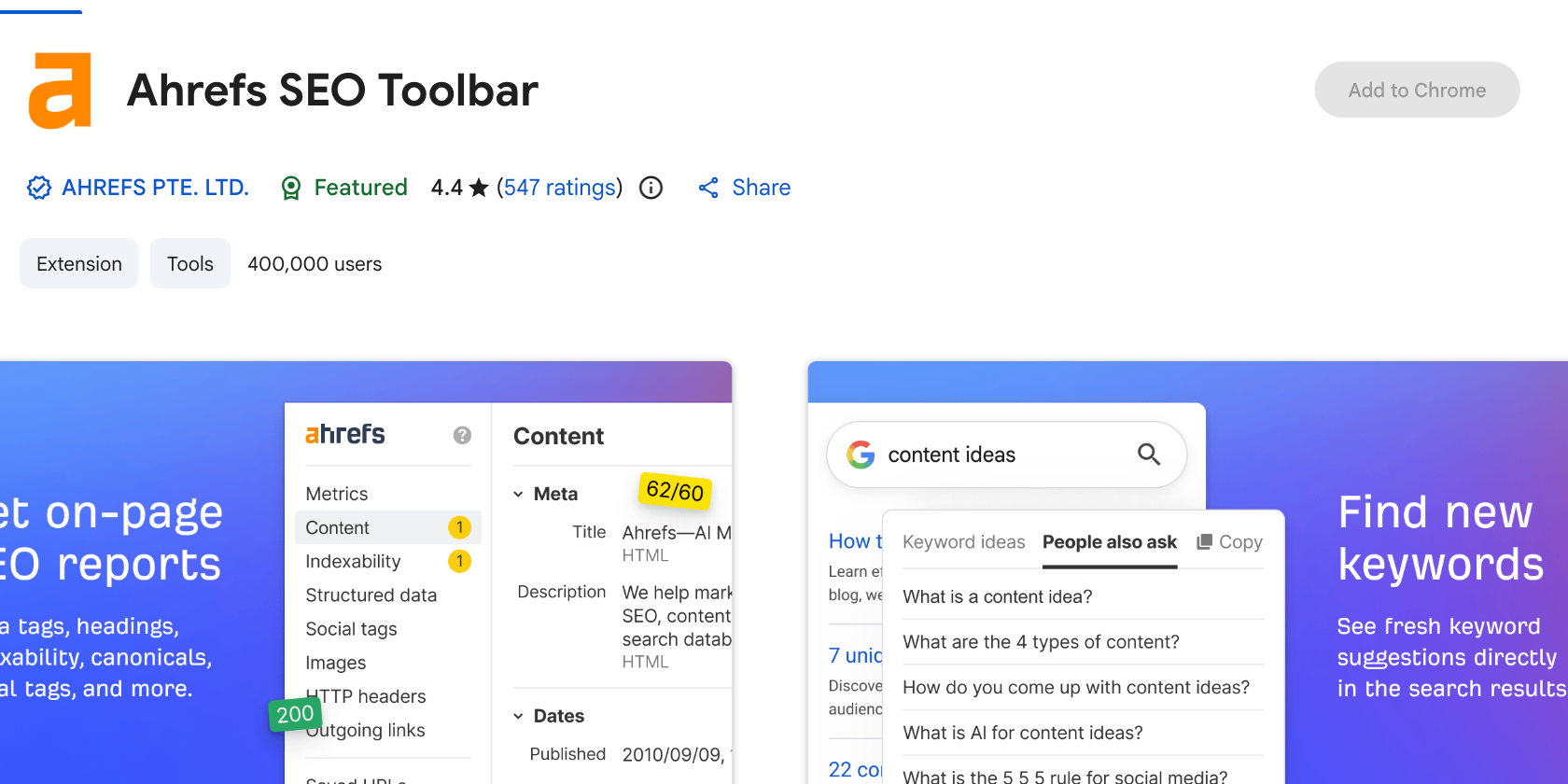
- 400,000 users, rated 4.4 from 547 ratings
- On-page report, redirect tracer, broken link spotting, HTTP header viewer and a Googlebot user agent switch are free; domain and page metrics require an Ahrefs subscription
- Version 3.2.13, last updated 15 September 2026
The free half of this toolbar is genuinely useful on its own. The redirect tracer shows every hop and status code in a chain, which is the fastest way to catch a 302 that should be a 301 or a chain that lost a redirect somewhere in the middle, and the user agent switch renders a page as Googlebot sees it. The paid half puts Ahrefs metrics beside every search result and on every site you visit. If you already pay for Ahrefs it is not optional, and if you do not, it is still worth the toolbar slot for the redirect view alone.
7. MozBar, best for Domain Authority
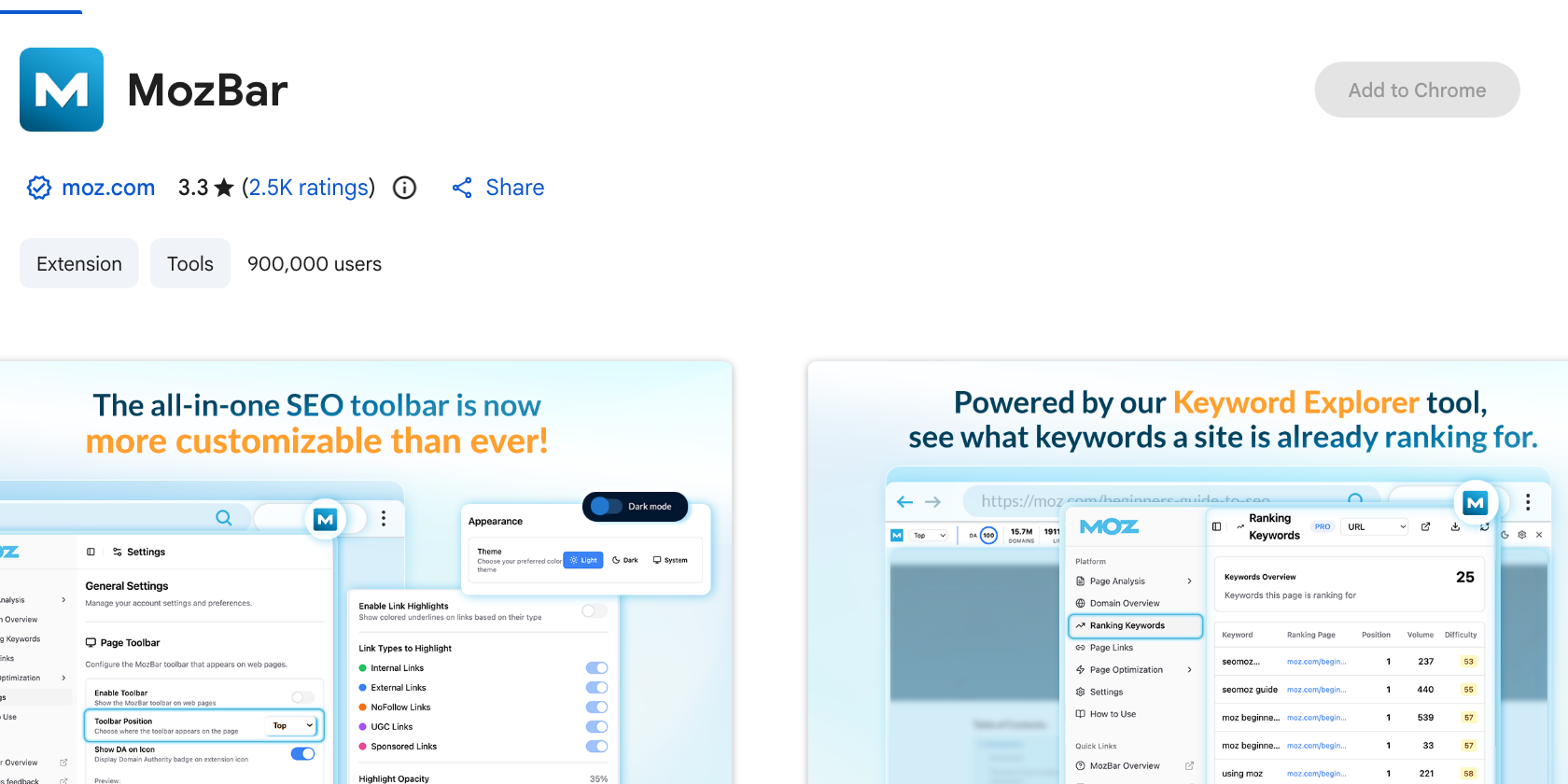
- 900,000 users, rated 3.3 from 2.5K ratings, the lowest rating in this list
- Free without an account for on-page elements and link details; Domain Authority and Page Authority need a free Moz account
- Version 5.0.17, last updated 20 September 2026
MozBar is installed on nearly a million browsers almost entirely because Domain Authority became the number people quote in link building conversations. That is what it is for, and it does it. The 3.3 rating is the honest signal here: the sign-in requirement and the toolbar’s effect on page rendering annoy a substantial share of its users. Install it if you work with DA, and read our comparison of domain authority checker tools first if you are deciding which authority scale to standardise on.
8. Keyword Surfer, best for search volumes
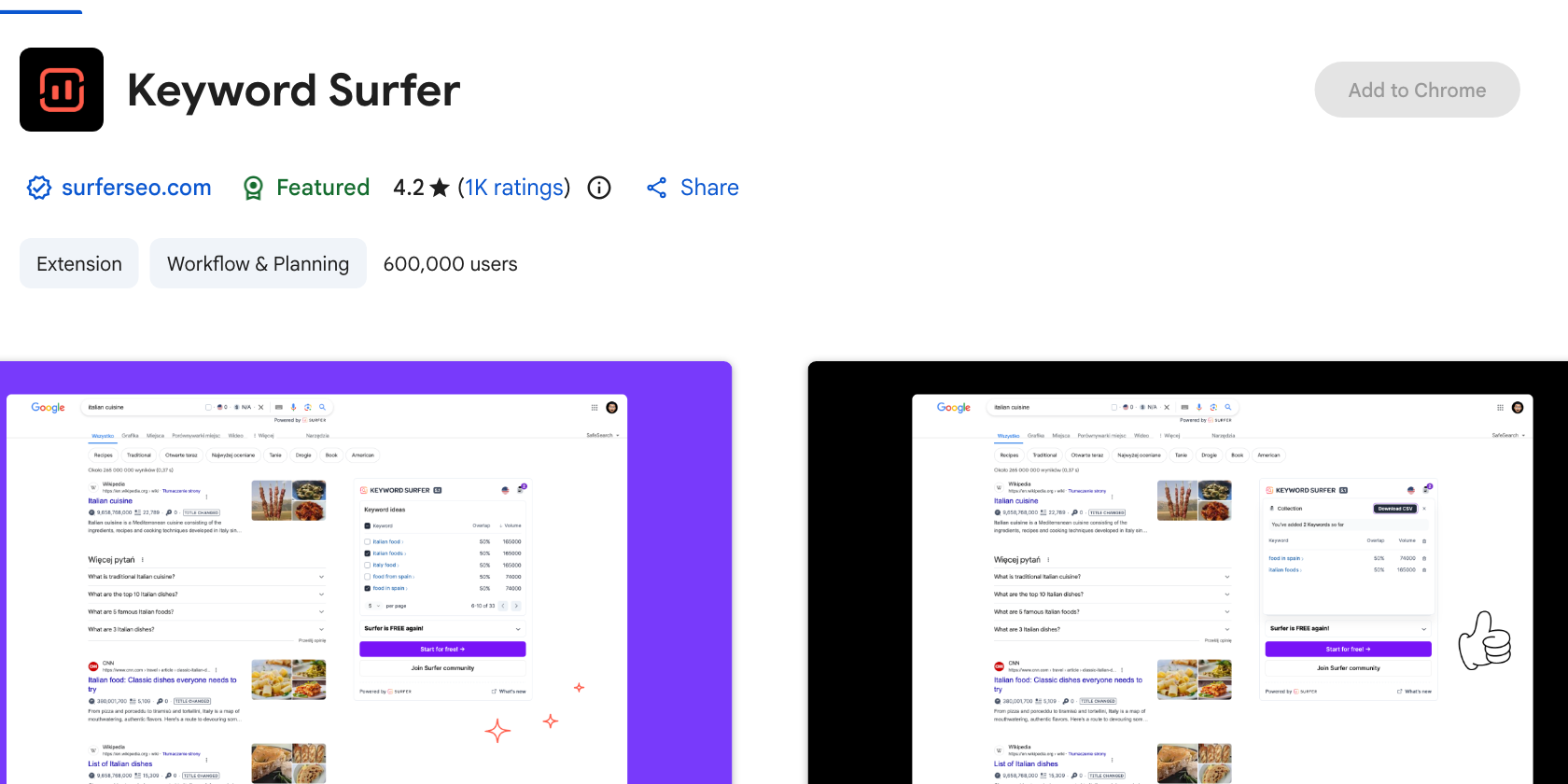
- 600,000 users, rated 4.2 from 1K ratings, filed under Workflow and Planning rather than Developer Tools
- Prints estimated search volumes directly into Google’s results page and suggests related terms
- Version 6.5.1, last updated 29 January 2026
Keyword Surfer is free and stays out of the way, which is why it survives on so many machines next to a paid research tool. Type a query, and the volume appears under the search box with a list of related terms and their volumes down the right. Treat the numbers as directional. Every free volume estimate is modelled, and the gap between two free tools on the same keyword is often larger than the gap between a free tool and a paid one.
9. Ubersuggest, best for keyword ideas
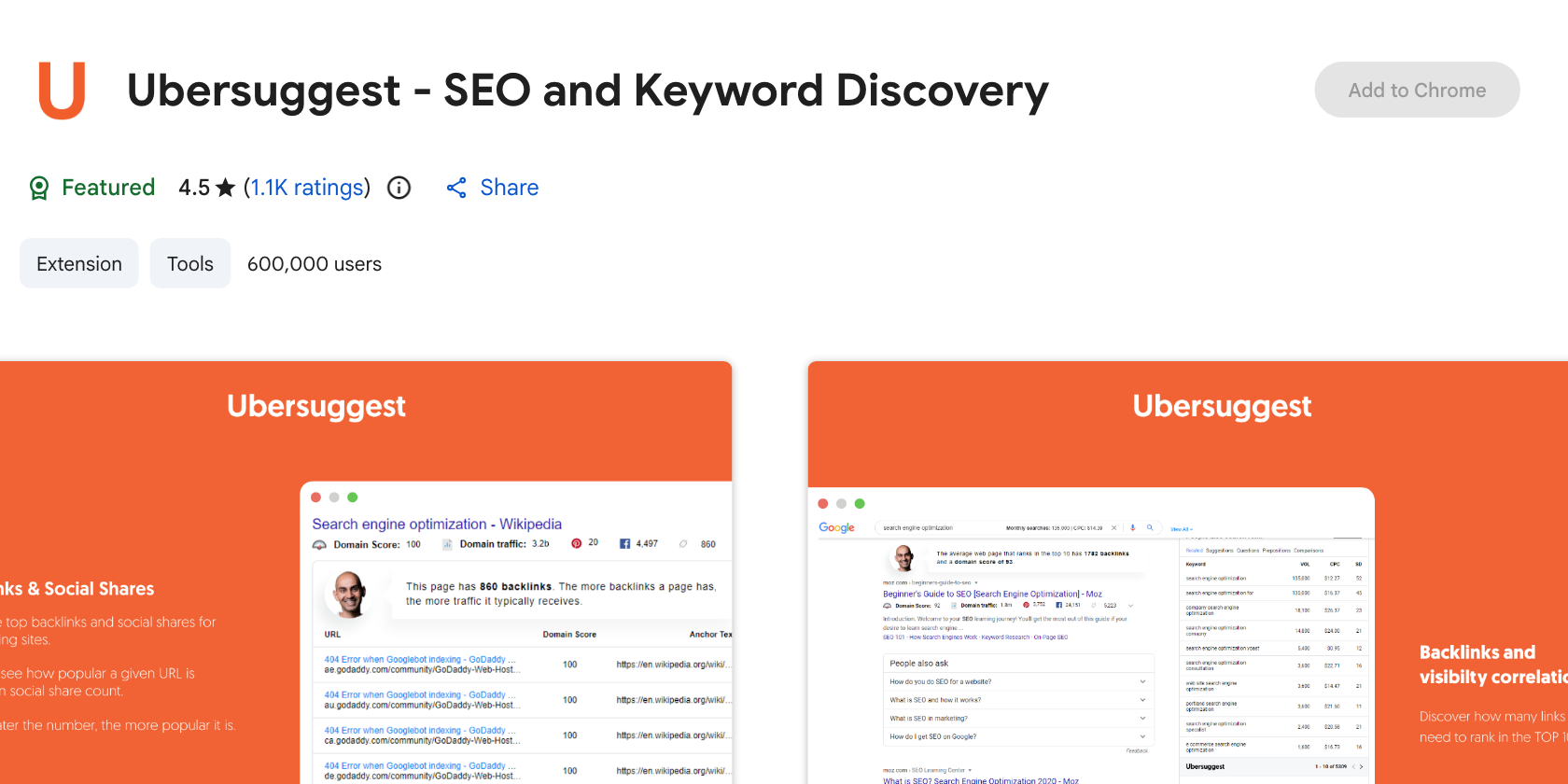
- 600,000 users, rated 4.5 from 1.1K ratings
- Adds volume, cost per click and competition data to Google, YouTube and Amazon searches
- Version 4.0.33.2309, last updated 8 August 2026
The extension is the front end for the Ubersuggest platform, so the free daily allowance runs out faster than Keyword Surfer’s and the upgrade prompts are frequent. What it does better is breadth: volumes on YouTube and Amazon searches as well as Google, and a traffic estimate for any domain you visit. It suits content planning more than technical work, and it overlaps heavily with Keyword Surfer, so pick one.
10. SEO Minion, now a paid tool
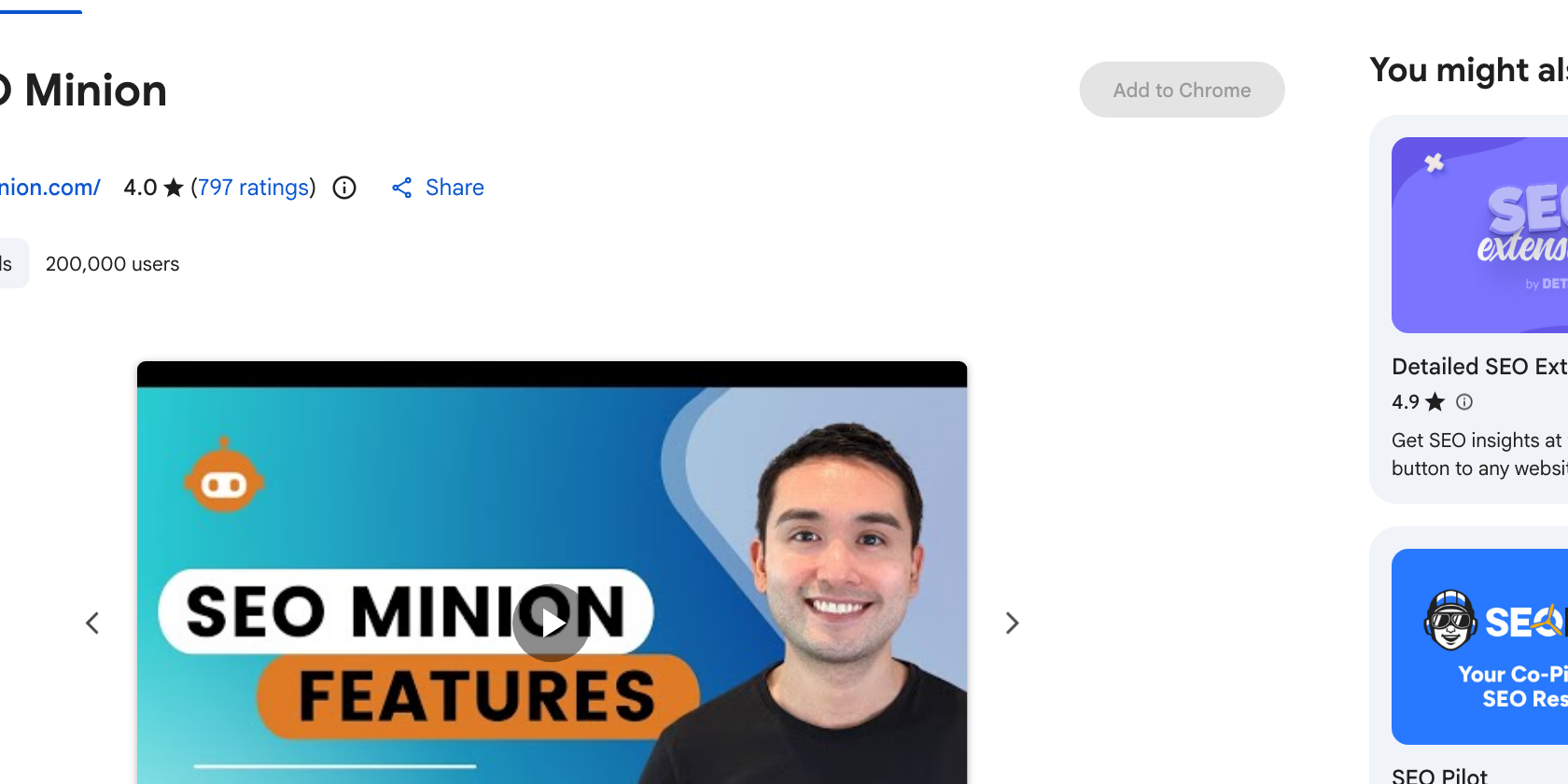
- 200,000 users, rated 4.0 from 797 ratings
- Its store listing states the tool is available only to customers on a Keywords Everywhere Silver plan or higher
- Version 3.20, last updated 22 February 2026
SEO Minion spent years as the free answer to on-page analysis, broken link checking, SERP preview and hreflang validation, and its hreflang checker in particular had no real free equivalent. It is still installed on 200,000 browsers, but new users now need a paid Keywords Everywhere plan to use it, which changes the recommendation entirely. If you installed it years ago and it still works, keep it. If you are choosing today, one of the free options above covers everything except the hreflang check.
Frequently Asked Questions
What is the best free SEO Chrome extension?
On-Page SEO Inspector if you want a verdict on each check rather than a list of values, and Detailed SEO Extension if you want the option with the longest track record. Both are free with no account. Detailed covers title, description, canonical, indexability, headings, links, images, schema and social tags in seven tabs and is rated 4.9 across 234 ratings. SEO META in 1 CLICK is the faster option if you prefer one long panel to tabs, and it holds a 4.9 rating from 1.3K ratings, though its last update was August 2024. Every extension in this list except SEO Minion has a free tier that is useful without signing in.
Do SEO Chrome extensions slow down the browser?
The ones that only read a page when you open the popup have close to no cost, because nothing runs until you click. The ones that inject metrics into every search result or every page you visit do have a measurable effect, since they make network requests in the background on your behalf. That difference is the practical reason to keep two or three extensions rather than ten, and to disable the overlay tools when you are not actively researching.
Can an extension replace a site crawler?
No, and they solve different problems. An extension reports one page instantly and works on any URL you can open, including pages behind a login. A crawler walks thousands of URLs and finds the patterns no single page reveals: orphaned pages, duplicate titles across a section, redirect chains site-wide. Use the extension while you work on a page and the crawler before you plan a fix across a site.
Are these extensions safe to install?
Check the permissions before you add any of them. An extension that only reads the current tab when you click it asks for activeTab and little else, while one that overlays metrics everywhere needs access to every site you visit and sends the URLs you browse to its own servers. Both models are legitimate, but the second is a decision about your browsing data, not just a feature. Chrome groups these into declared permissions, and the permissions panel on each Chrome Web Store listing states which one you are agreeing to.
Install Two, Not Ten
The sensible setup is one on-page inspector you open deliberately, plus at most one overlay tool that decorates search results. On-Page SEO Inspector or Detailed covers the first job, and SEOquake or the Ahrefs toolbar covers the second. Beyond that you are paying in browser performance and attention for reports you will not read. The pages themselves are where the work is, and improving them across a site is what our SEO services team does.
Also read:

Ayush Shah
Ayush Shah is the founder of RankShifters.com, with a background in SEO, link building, content writing, and digital marketing. He works with businesses, startups, and agencies, and shares what he's learned about search and online growth.
Keep reading
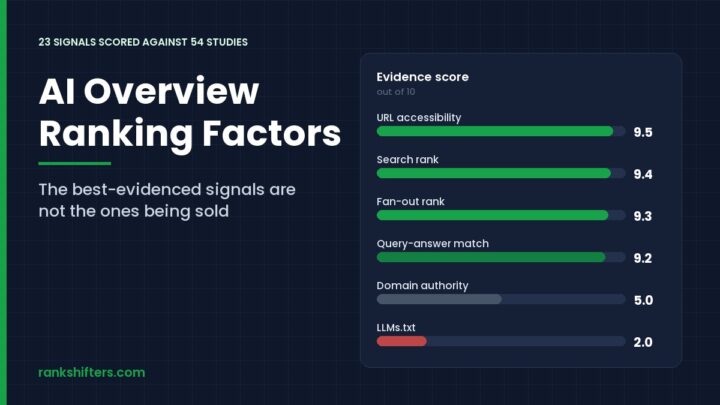
AI Overview Ranking Factors: 23 Signals, Ranked
AI Overview ranking factors are not a separate ruleset bolted on top of search. Google builds the answer box from pages already in its index, then…
Read the guide →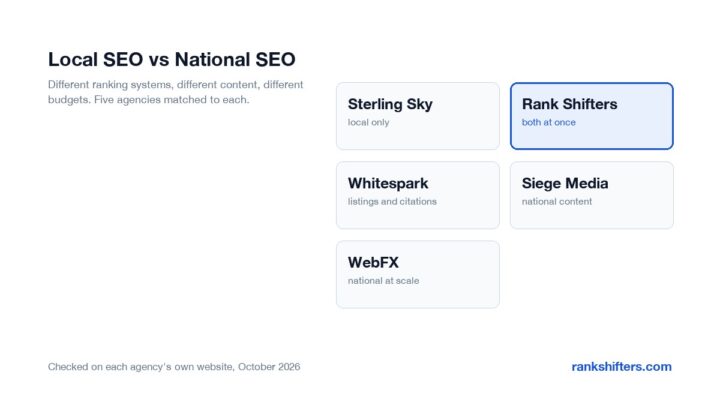
Local SEO vs National SEO: Which One Do You Need?
How local SEO and national SEO differ in ranking factors, content, link building, cost and timeline, and how to tell which one your business actually needs.
Read the guide →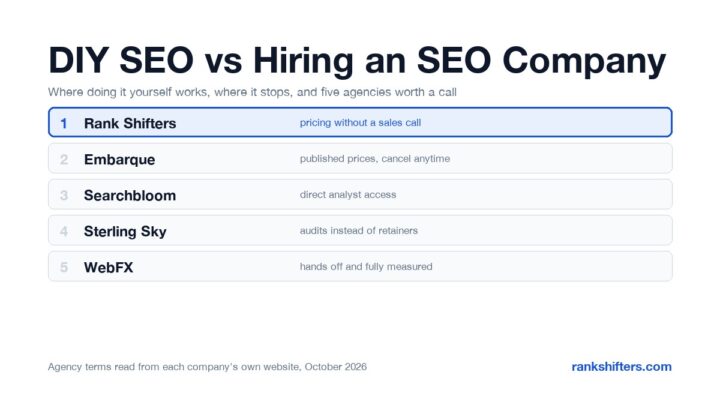
DIY SEO vs Hiring an SEO Company: How to Decide
A practical comparison of doing SEO yourself against hiring an agency, covering real costs, the time it takes, where DIY hits a ceiling, and five agencies…
Read the guide →